> By the way, I think your EA tools are great. You've done a fantastic job.
Thank you!
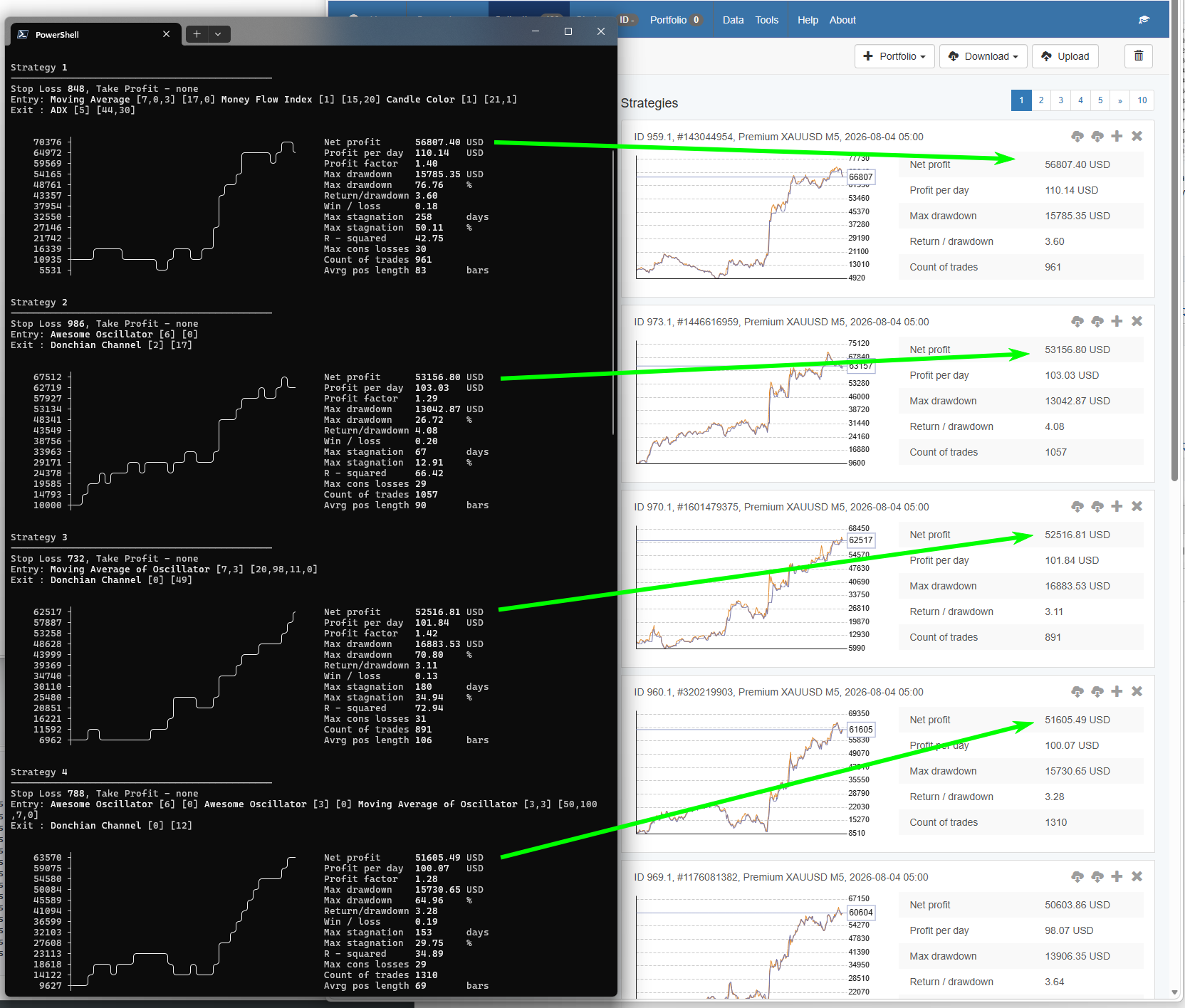
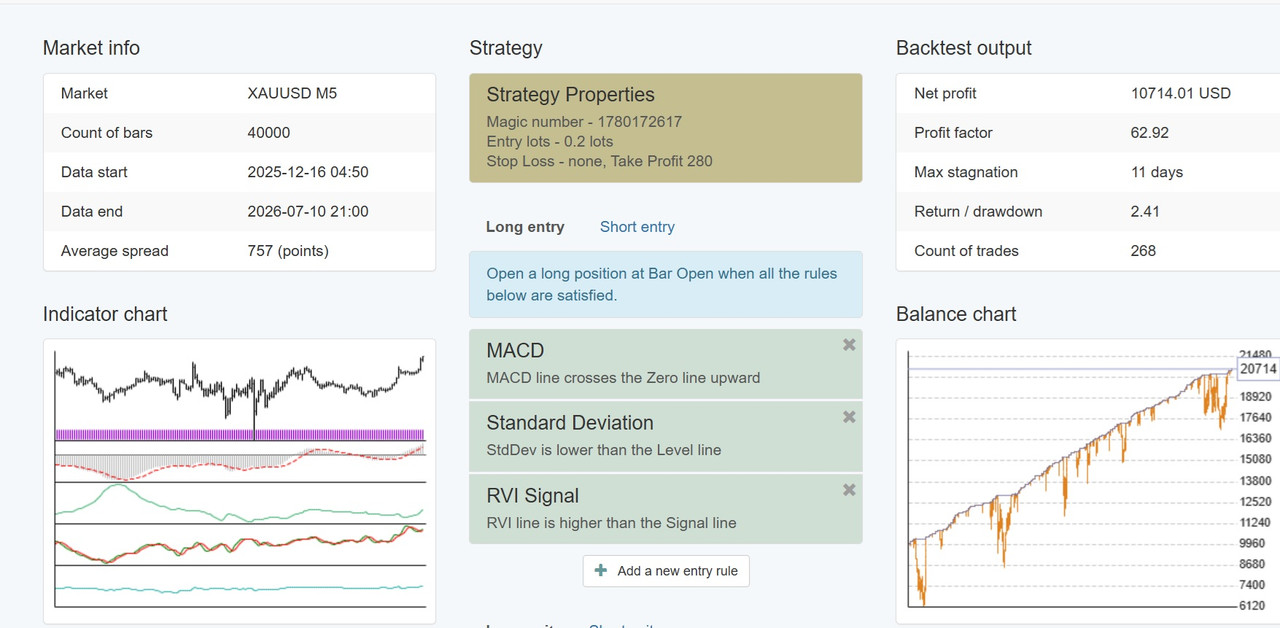
> The problem is that in EA Studio when I click on an EA from the collection the Balance Chart in the Strategy Editor tab is different from the Balance Chart in the Collection tab.
When the strategy loads in the Editor, EA Studio recalculates it. It will shows different results only if the data are different (newer) or the EA Settings are different.
The first time you load a Collection from a file (from Ex Gen or previously exported from EA Studio) it is shown as it is, without calculation. The Collection file includes the backtest stats and the balance chart data for each strategy. That give the possibility to show it as it was exported before.
You can recalculate the Collection with the recent data and the current settings by clicking the "Recalculate" button.
Once you recalculate the Collection, it will show exactly the same results in the Editor.
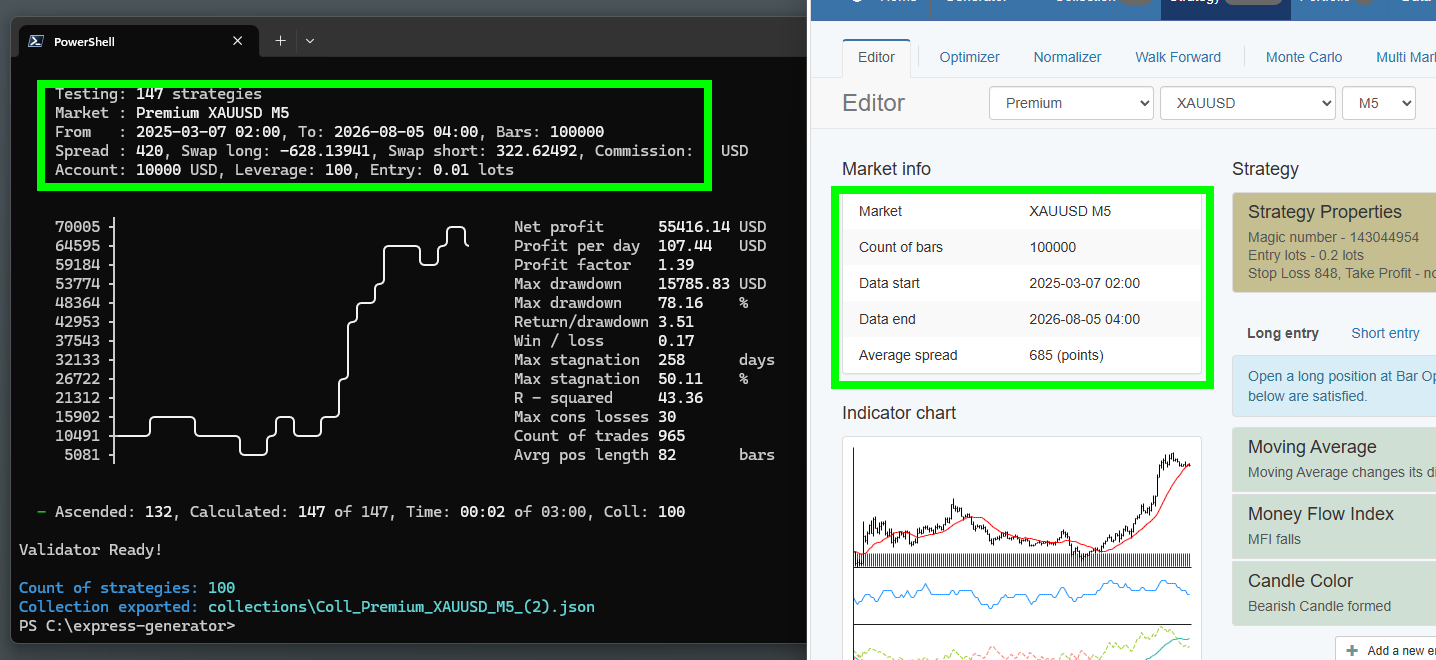
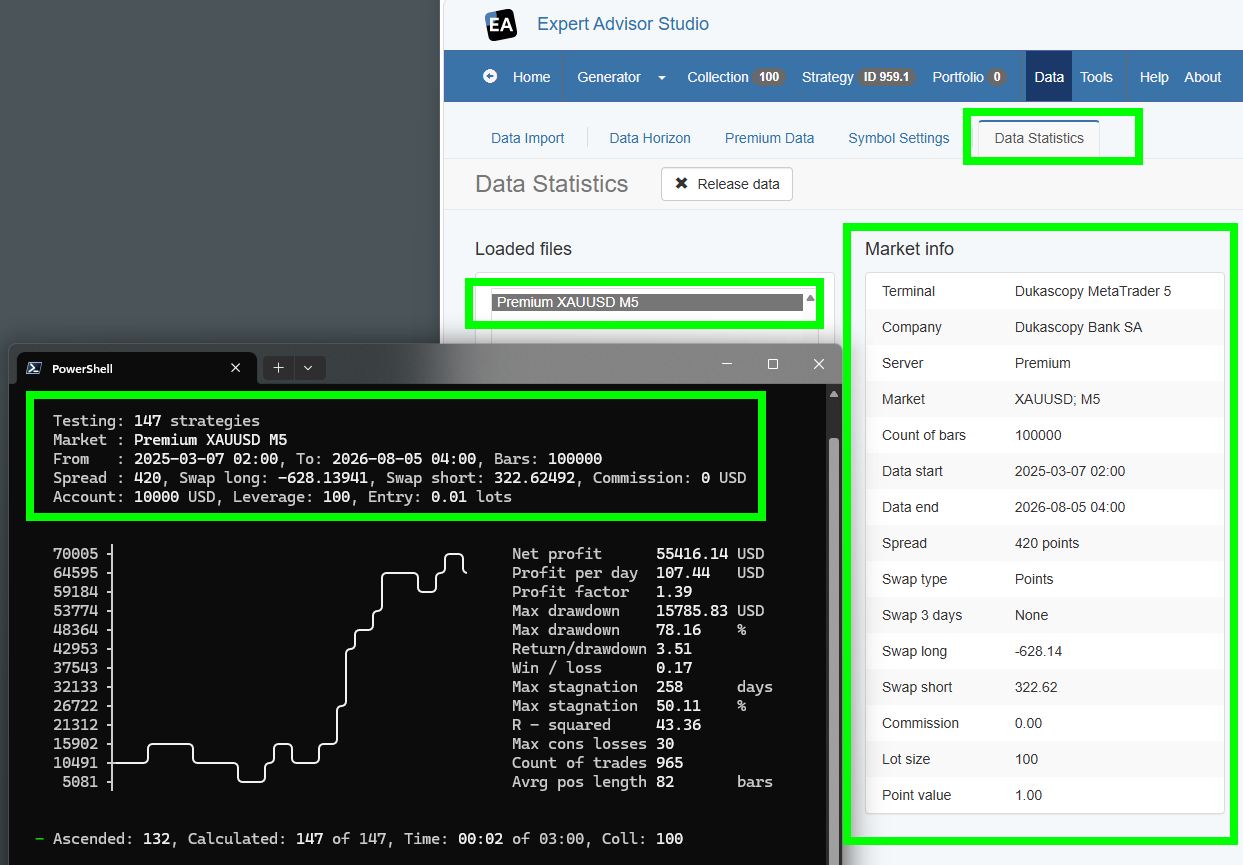
Most probably your Collection was calculated and exported from Ex. Gen from data with different "Data horizon" settings or different "Trading Session" settings. This is the only possible explanation. (If there is no bug somewhere).
...
The Collection's "Recalculate" function and the Editor use the same data set, settings, and backtester engine. I don't assume it is possible to have different results. (Though you may filter and reorder the strategies in the Collection, but this is different).


 )
)