Sidebar
eas-guide:portfolio-summary
This is an old revision of the document!
Table of Contents
Portfolio Summary
Toolbar

Data source, symbol and period - The first three drop-downs are used to select the data the Portfolio tool will use. Select the data source, symbol and period.
Calculate - When data changes you will need to recalculate the strategies backtests and the portfolio statistics. This button will turn orange as soon as something needs recalculating. Click it to recalculate.
Progress - 0 to a 100%. Describes what amount of the data that needs recalculating has been done so far.
Export - Portfolio Expert Hedging MT4
Balance Chart
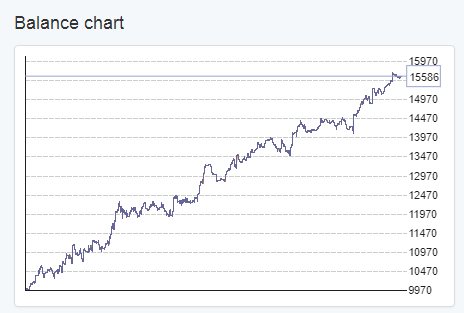
The Balance Chart shows the total balance of the Portfolio.
Market Info

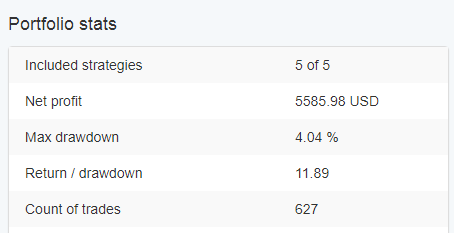
Portfolio Stats